
Request a part for a repair
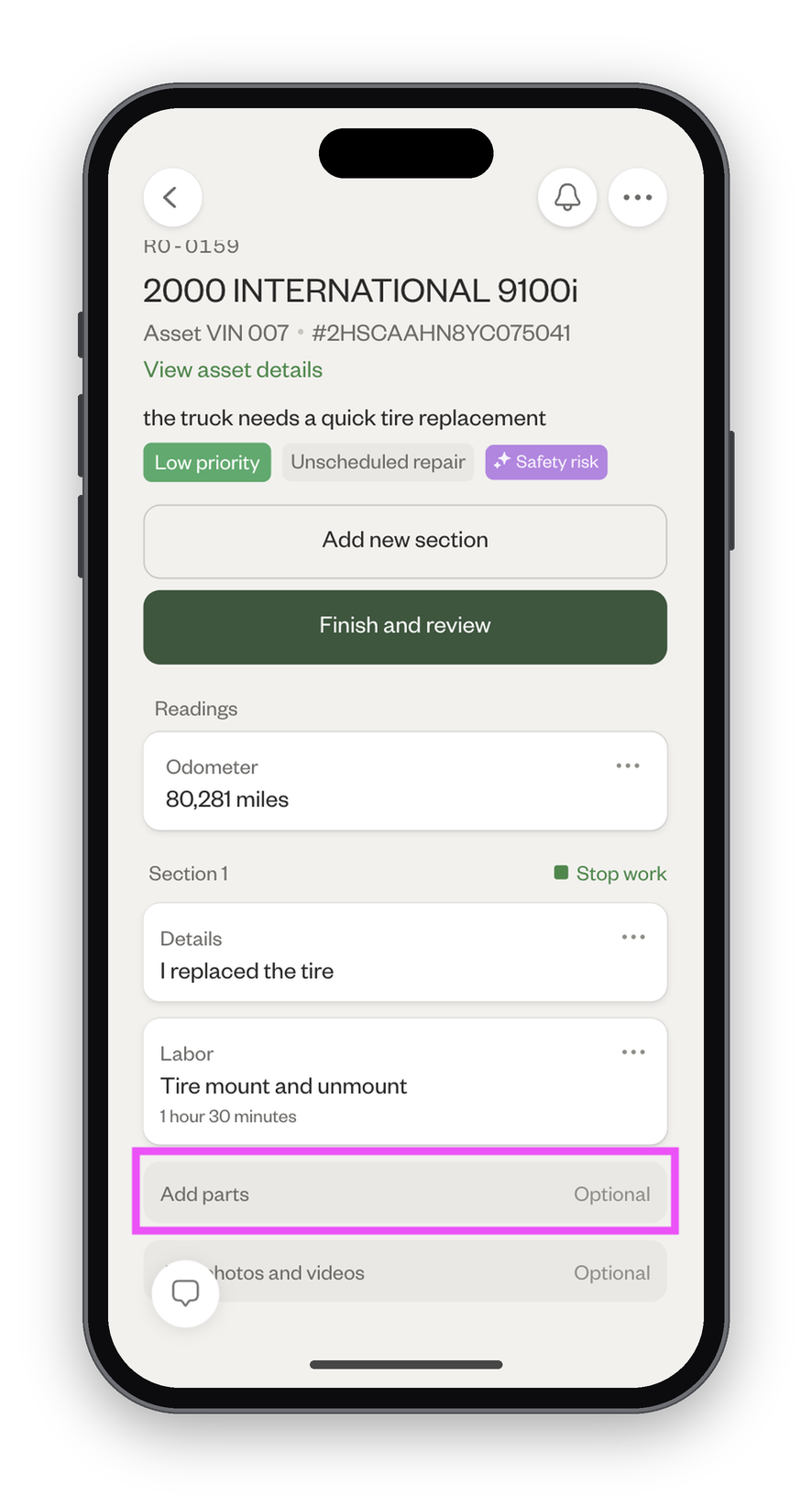
- Click "Add parts."
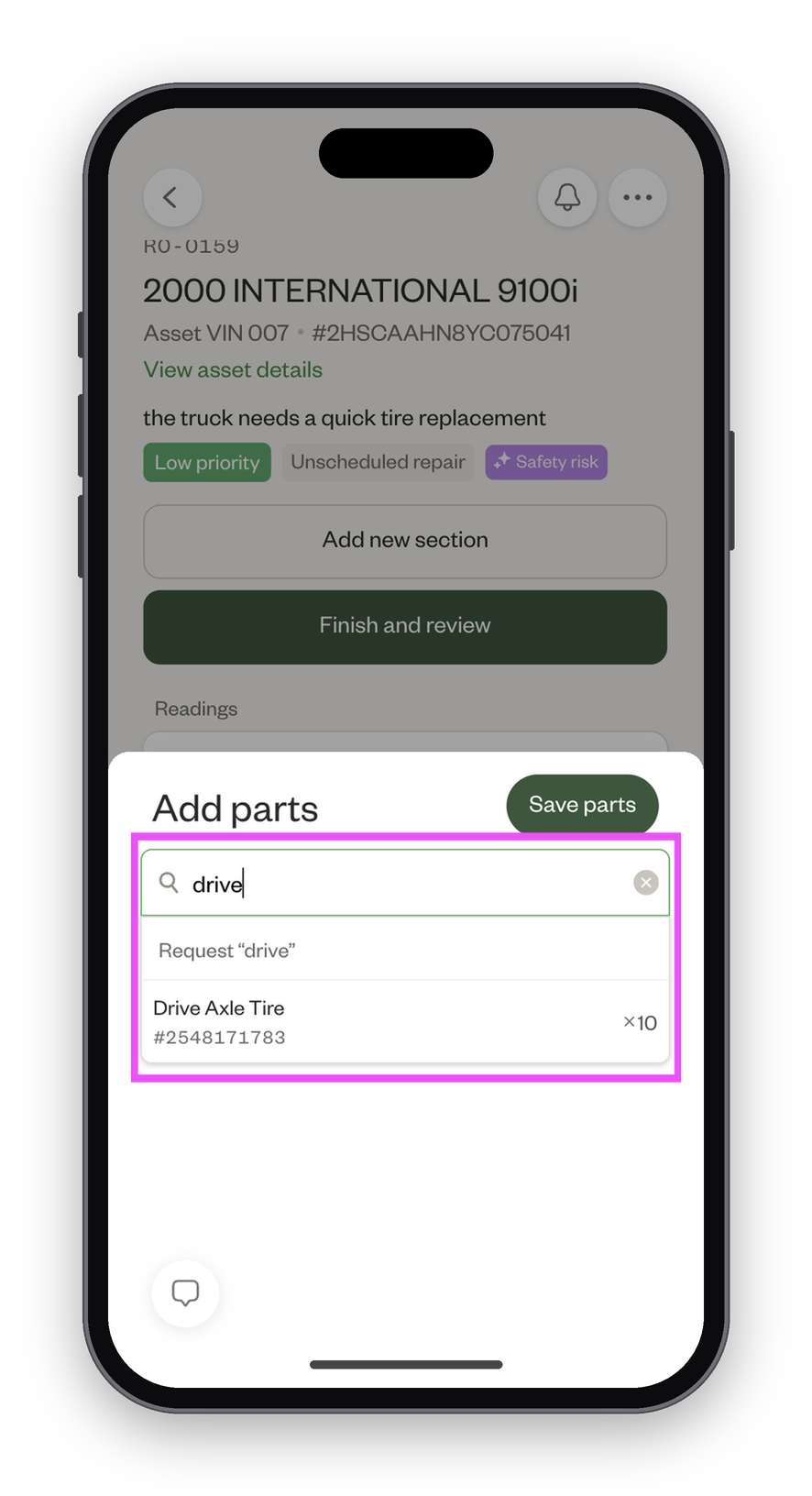
- Search for the part you want to add, and click to add it.
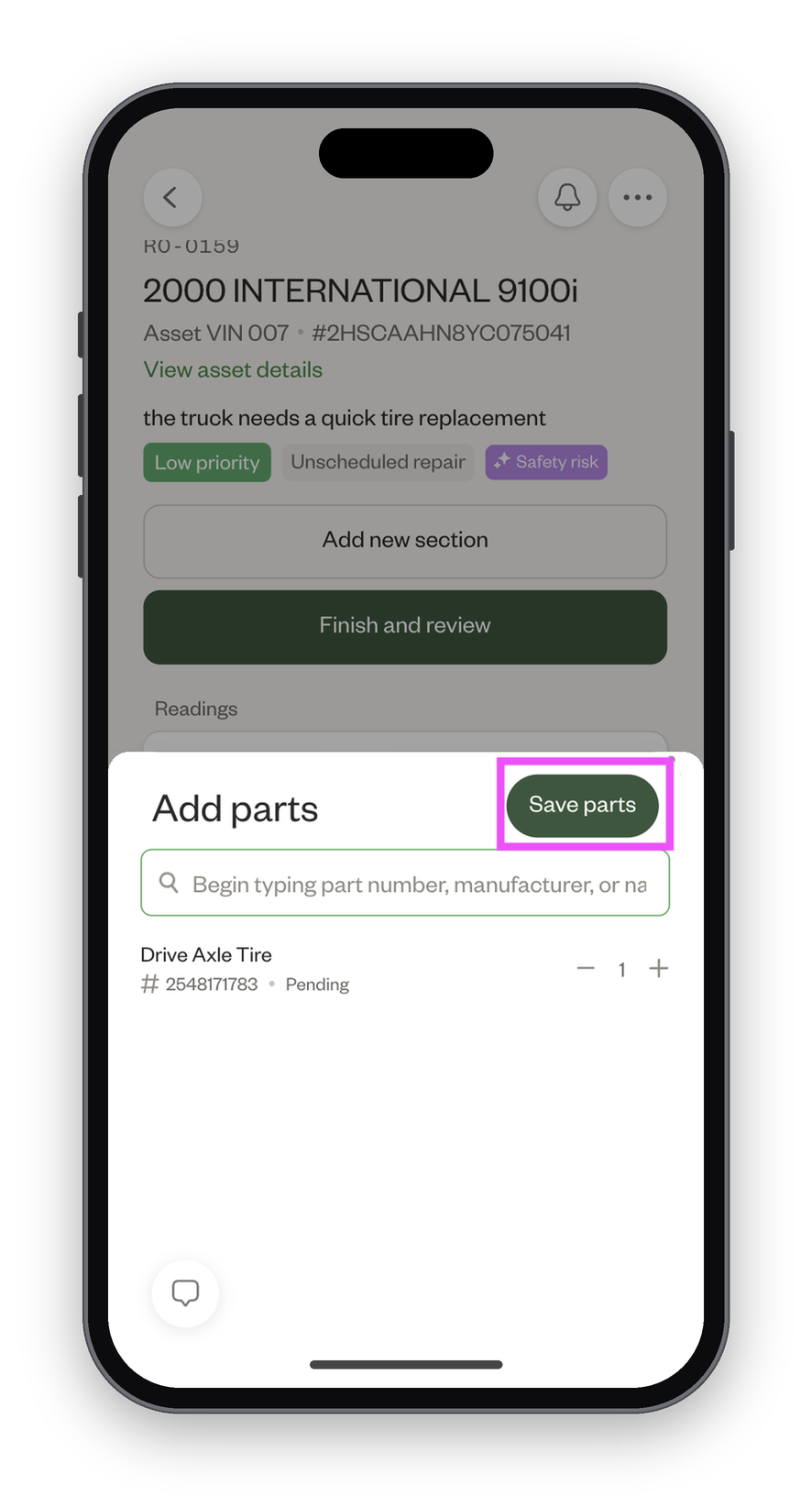
- Adjust the quantity as needed, then click "Save parts."
- The part request will show as "Pending" until an admin approves or denies it.
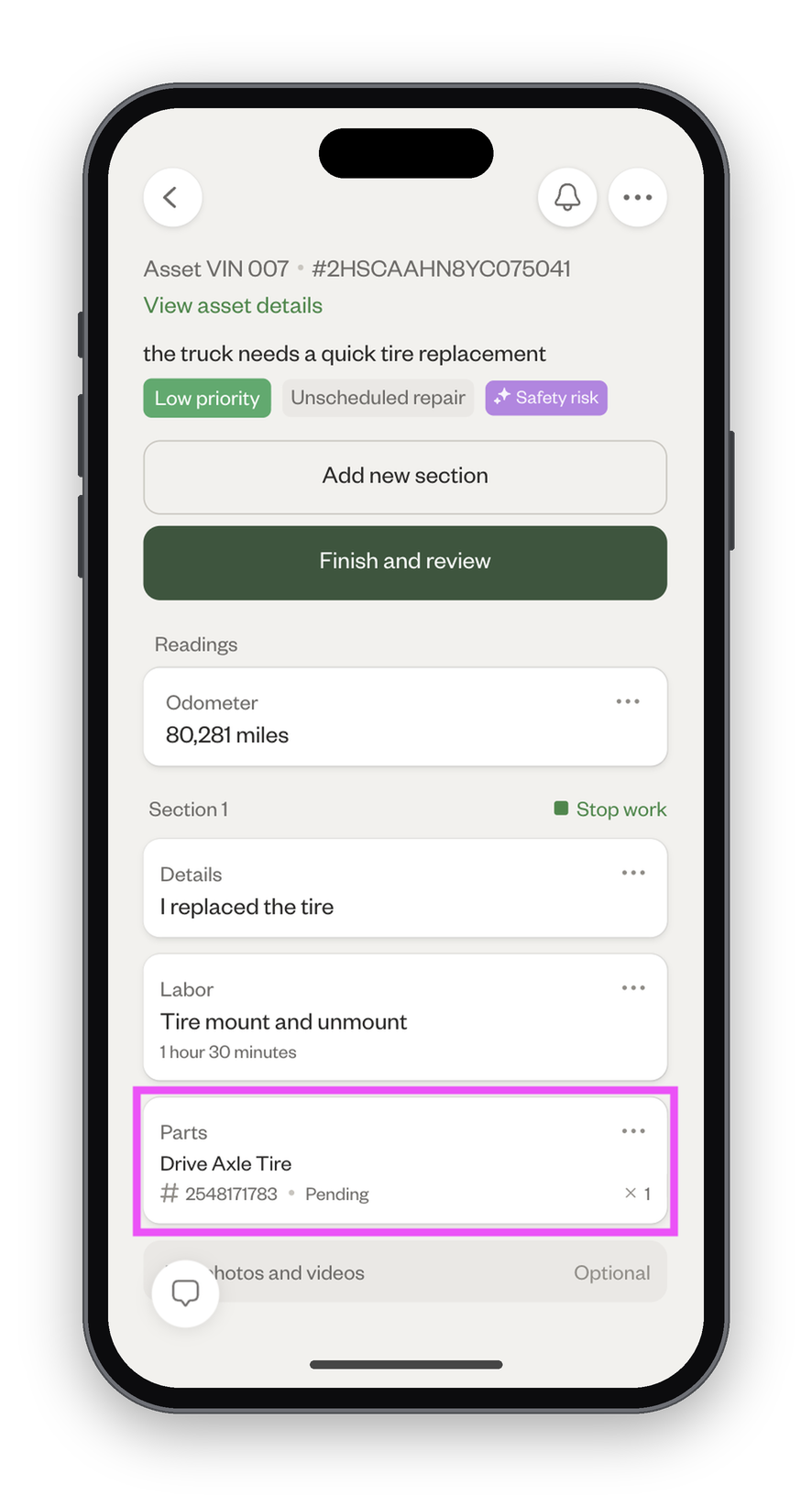
If the part is approved, the part will show as "Approved."
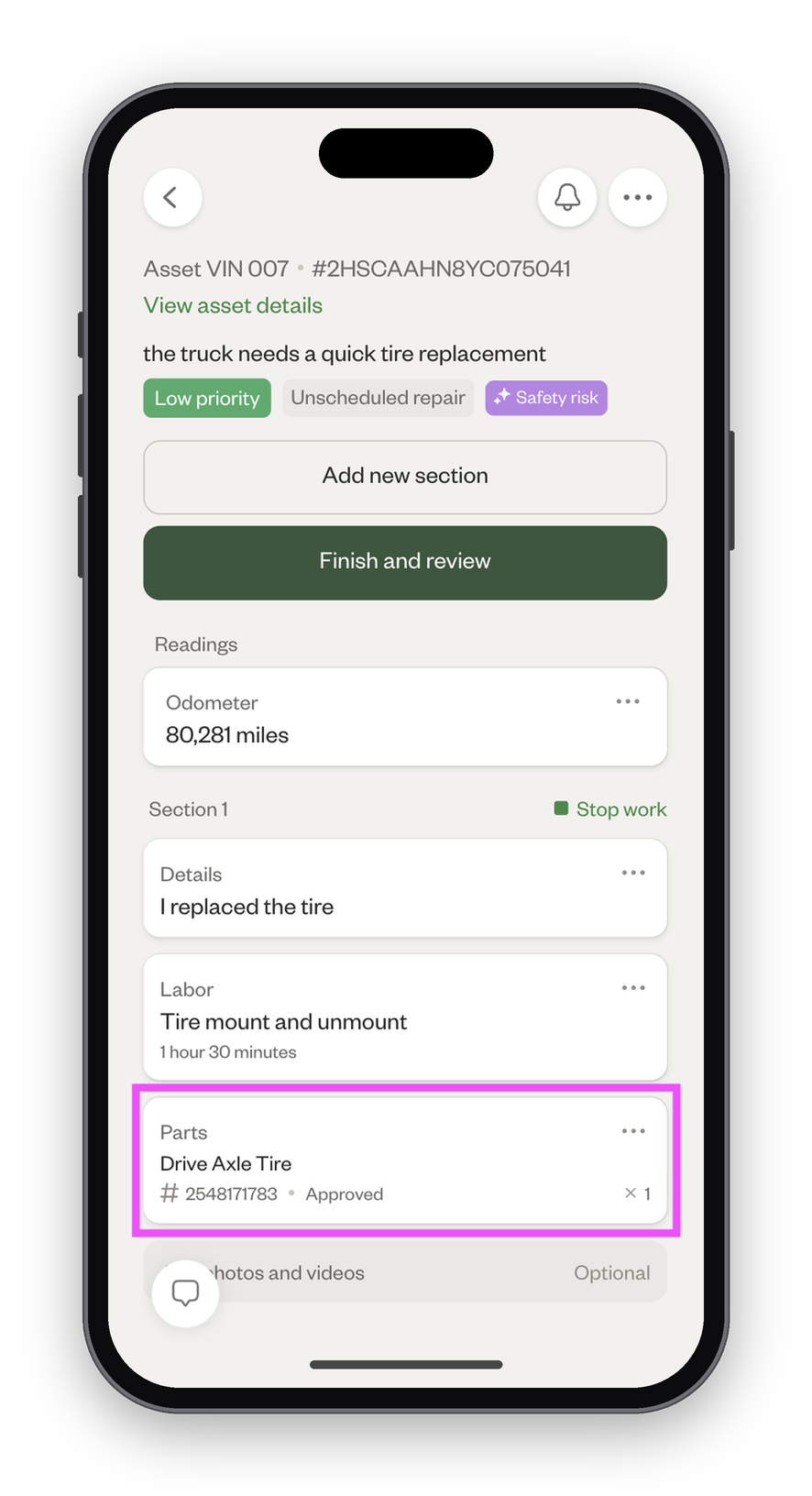
If the part is denied, the part will be automatically removed from the repair. You can open the Notifications for the repair order to see the admin's reason for denial.

If you request a part that's out-of-stock, the repair order cannot be submitted until the part has been ordered by the admin and received. You can check the status of the part in the request itself.
