Create an invoice
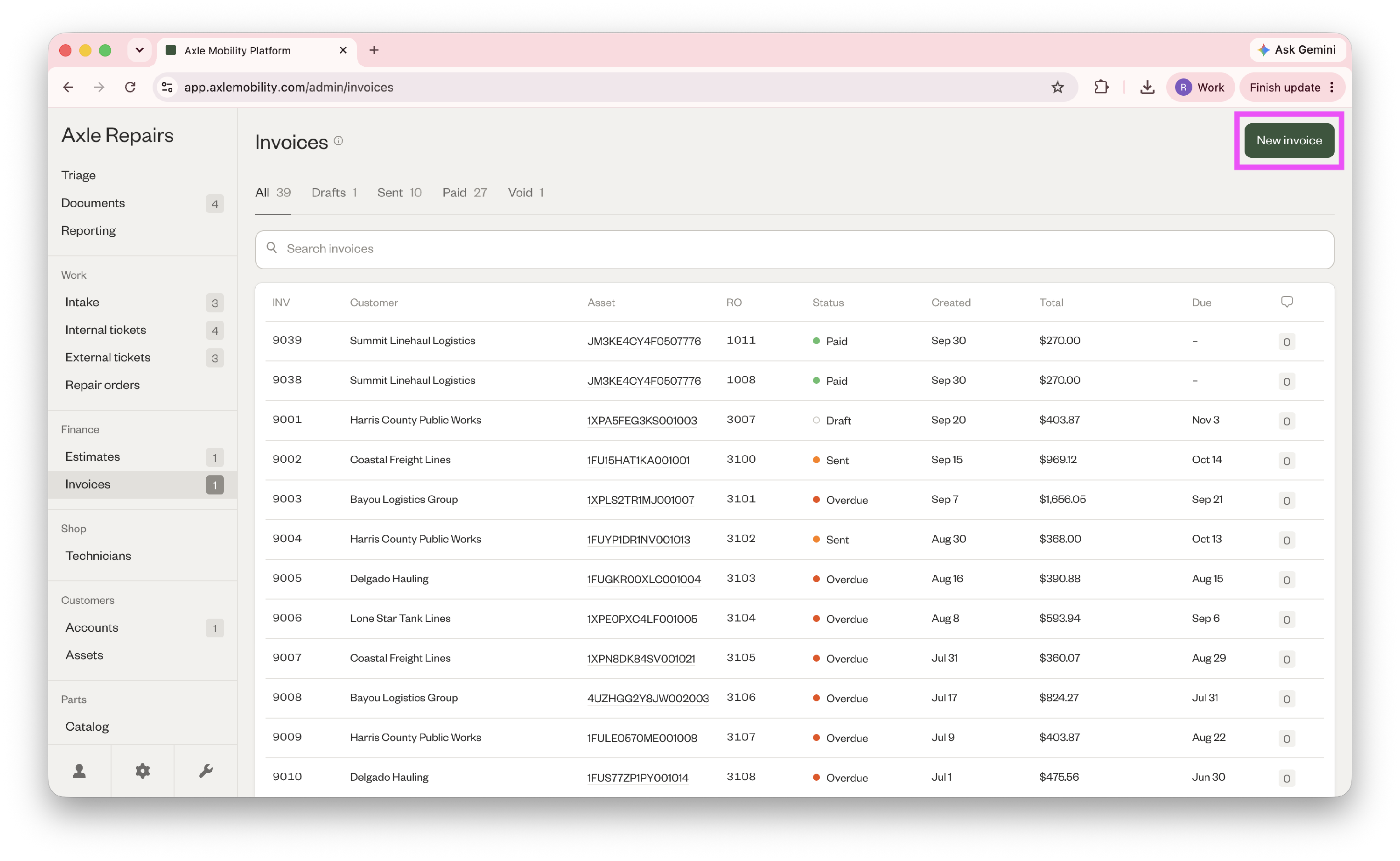
- Go to Finances > Invoices > New invoice in the top right corner.
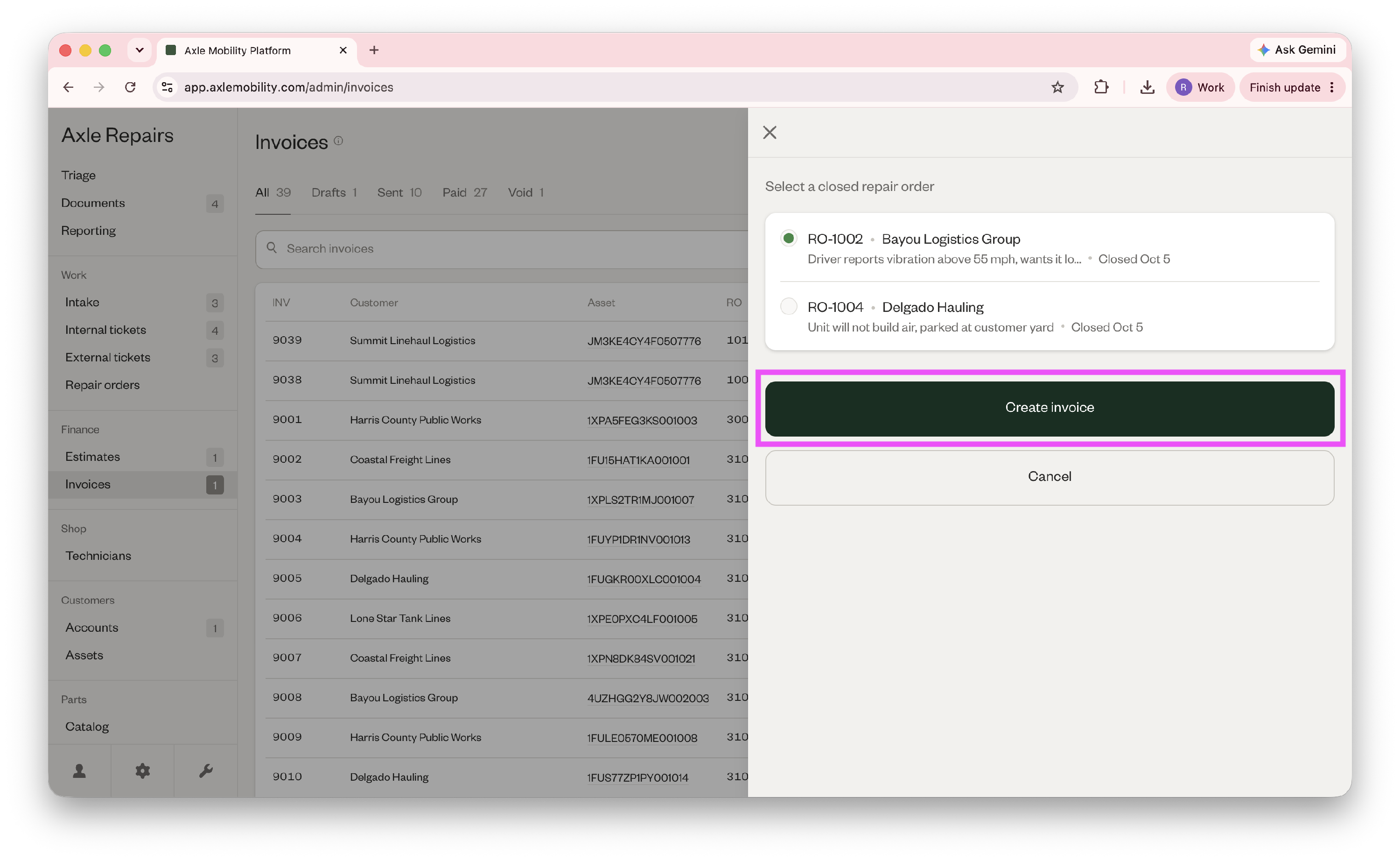
- Select a closed repair order and click "Create invoice."
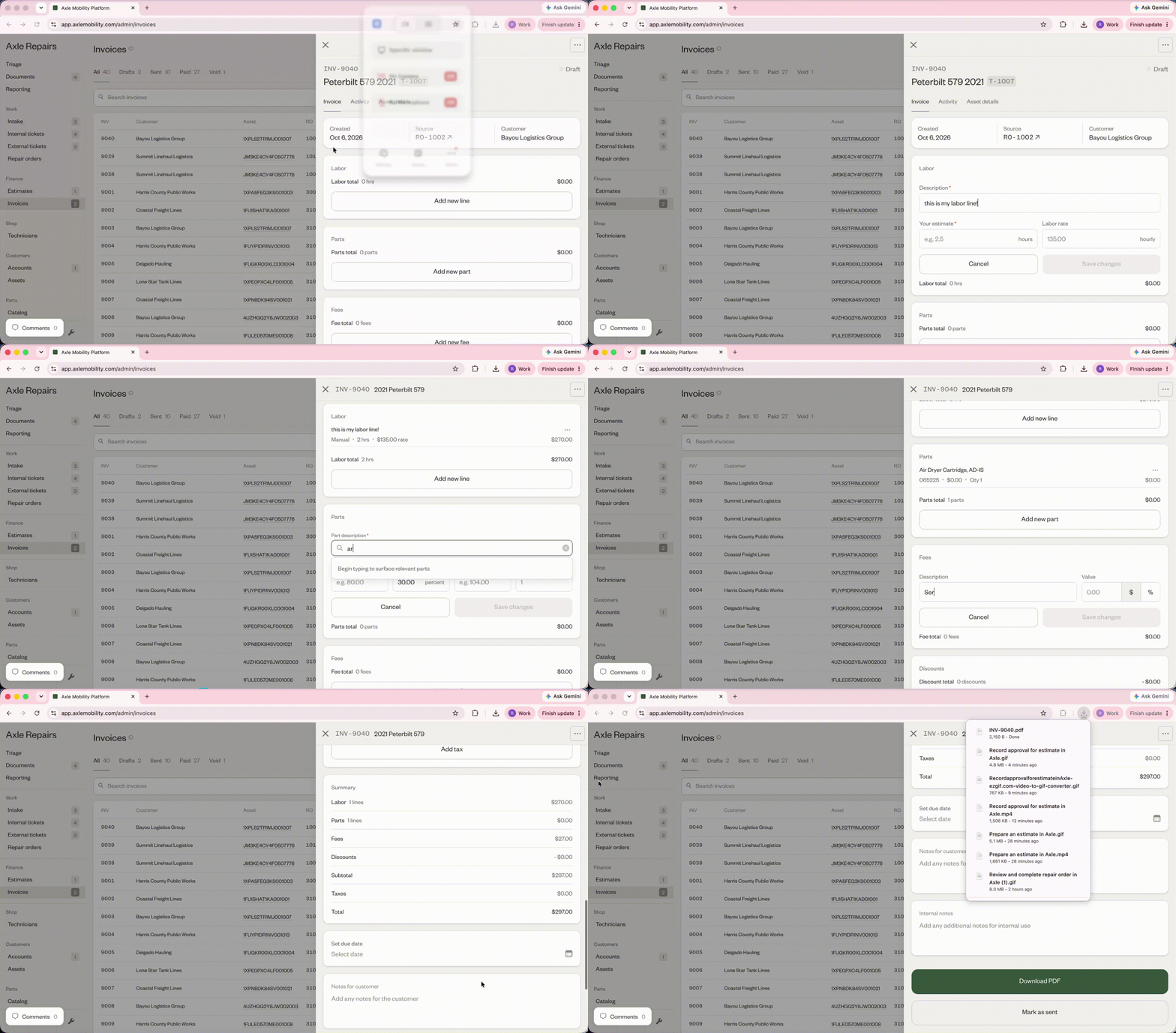
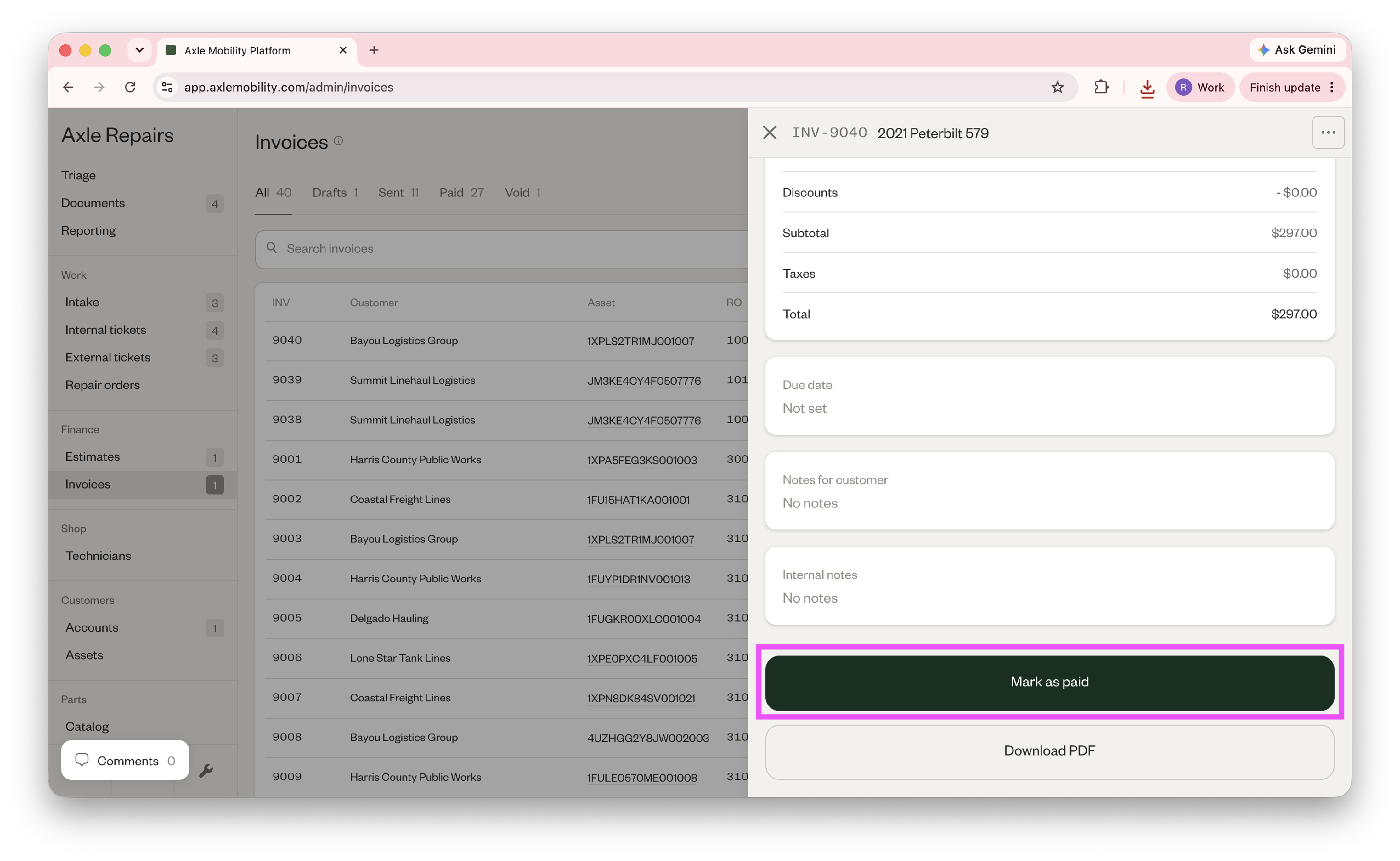
- Fill out any labor lines, parts used, fees, discounts, and taxes, and then click "Download PDF" to download the invoice.
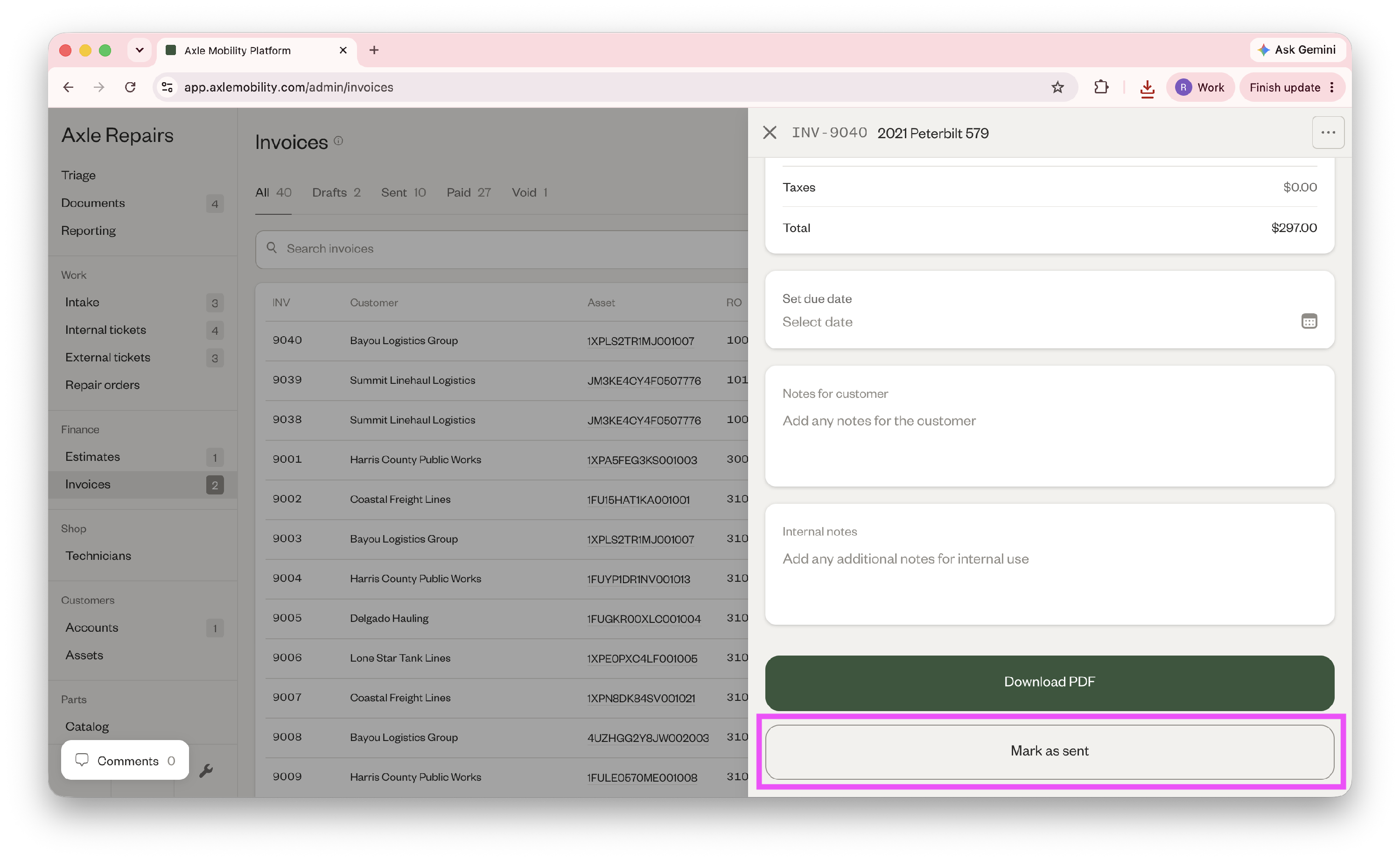
- When you've sent the invoice to the customer, click "Mark as sent."
- When the customer has paid the invoice, click "Mark as paid."
Did this answer your question?
Thanks for the feedback
There was a problem submitting your feedback. Please try again later.
No results found

